Why Customers Prefer WhatsApp Over Email: A Comprehensive Guide
With over 2 billion users worldwide, WhatsApp is not just an app for personal chats anymore. It has become the preferred way for customers to interact with businesses. But why exactly do customers choose WhatsApp over traditional channels like email and phone?
In this article, we break down the 5 most important reasons — and what this means for your business.
1. Instant Responses, No Waiting
Customers hate waiting. Whether it's a queue on the phone or an email that takes 24 hours to get a reply — slow responses kill customer satisfaction.
WhatsApp changes this completely. Customers expect (and receive) fast replies, often within minutes. With tools like Bugalou, you can even set up automated responses and AI-powered chatbots so customers always get an instant answer, even outside business hours. Learn how to set up your AI agent in our help center.
Key stat: 82% of customers expect an immediate response to sales or marketing questions (HubSpot).
Practical Tips for Instant Communication
Use Quick Replies: Set up predefined responses for frequently asked questions. This can drastically reduce the response time.
Leverage Chatbots: Implement AI chatbots to answer common queries. For instance, if you run an e-commerce store, your chatbot can provide order status updates instantly.
Monitor Response Times: Use analytics tools to track response times and identify areas for improvement. Aim for replies within five minutes.
Set Expectations: Clearly communicate your response times on your WhatsApp profile to manage customer expectations effectively.
2. It Feels Personal, Not Corporate
Email feels formal. Phone calls feel intrusive. WhatsApp hits the sweet spot — it's personal, casual, and feels like chatting with a friend.
This matters because customers are more likely to engage with messages that feel personal. WhatsApp messages have an average open rate of 98%, compared to just 20% for email. That's not a small difference — it's a game changer.
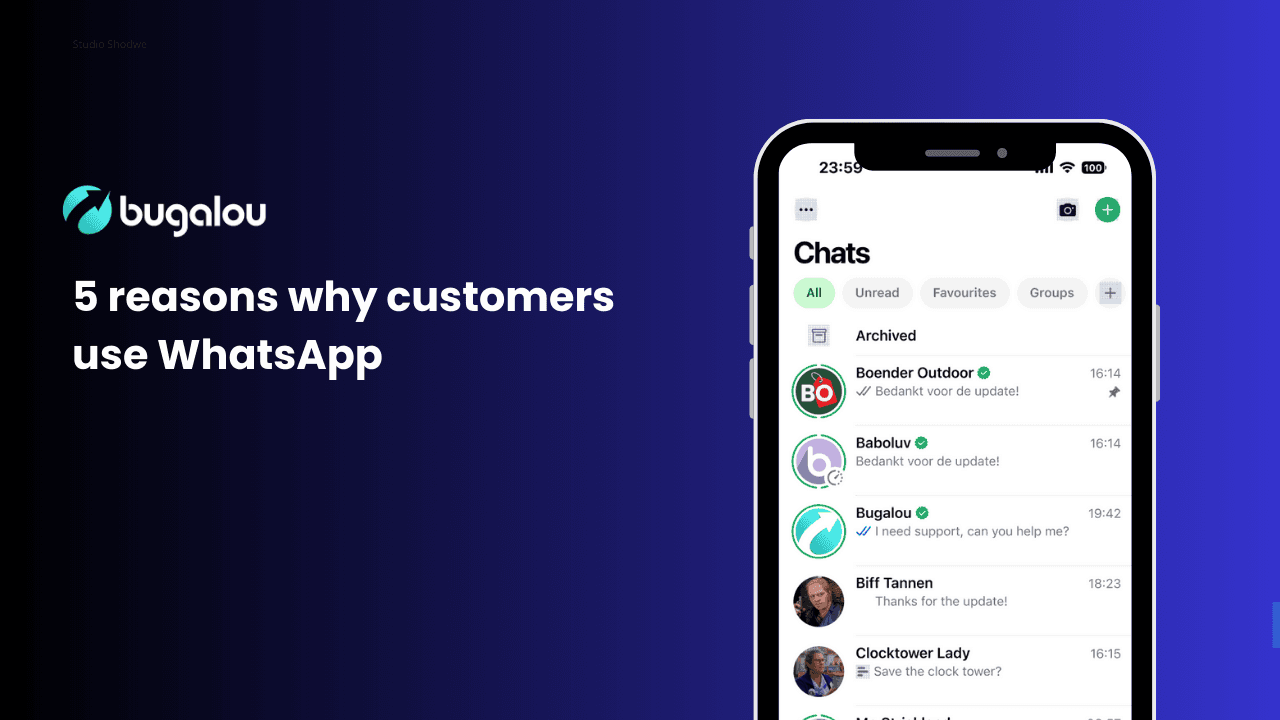
When you send a WhatsApp message through Bugalou, customers see your business name, logo, and a verified badge. It's professional, but still feels approachable.
Creating a Personal Touch in Communication
Personalized Messages: Address customers by their names and reference past interactions. For example, "Hi John, I see you recently purchased a pair of shoes. How are you finding them?"
Use Emojis: Emojis can make your messages feel friendly and warm. However, use them judiciously to maintain professionalism.
Share Behind-the-Scenes Content: Occasionally share stories or images of your team or processes. This humanizes your brand and builds a connection.
Ask for Feedback: Engaging customers by asking for their opinions on products or services fosters a sense of belonging.
3. Rich Media Makes Communication Better
Try sending a product video via a support ticket. Or sharing a PDF invoice via a phone call. It doesn't work.
WhatsApp supports:
- 📸 Images — Send product photos, screenshots, or how-to visuals
- 🎥 Videos — Share tutorials, product demos, or onboarding clips
- 📄 Documents — Send invoices, contracts, or manuals as PDFs
- 📍 Location — Share store locations or delivery tracking
- 🎙️ Voice messages — For when typing takes too long
This rich media support makes WhatsApp conversations more effective and reduces the back-and-forth that plagues email threads.
Examples of Effective Rich Media Use
Product Demonstrations: A furniture store could send a video showing how to assemble a product, enhancing customer understanding.
Visual FAQs: Create infographics or short video clips that address common customer questions, making the information more digestible.
Interactive Content: Encourage customers to share their experiences by asking them to send pictures of products in use. This not only increases engagement but also serves as valuable user-generated content.
Event Promotions: Use rich media to promote events. For instance, send a video invitation for a product launch, making it visually appealing.
4. Conversations Stay in One Place
With email, customers lose track of threads. With phone, there's no written record. WhatsApp keeps the entire conversation history in one place, easily searchable and always accessible.
For customers, this means:
- No repeating themselves when they reach out again
- Easy access to order confirmations, tracking links, and receipts
- A natural conversation flow that picks up where it left off
For businesses using Bugalou's Team Inbox, every WhatsApp conversation is also logged, tagged, and assignable — so your team never loses context either.
Benefits of a Centralized Conversation History
| Benefit | ||
|---|---|---|
| Searchability | Easy to search within the app | Advanced search features often lacking |
| Thread Management | All conversations in one place | Threads can become confusing with multiple replies |
| Context Retention | Entire history is visible | Customers may forget previous emails |
| Accessibility | Accessible on mobile devices | May require desktop access for full features |
Tagging Conversations: Use tags to categorize conversations by issue type or customer status, making it easier for teams to find relevant discussions.
Regular Updates: Encourage customers to check back on their conversation history for any updates rather than reaching out again.
5. Customers Are Already There
This is perhaps the simplest but most powerful reason: your customers are already using WhatsApp every day.
In the Netherlands, over 13 million people use WhatsApp daily. In Belgium, Germany, Spain, Brazil, India, and dozens of other countries, it's the dominant messaging app.
By offering WhatsApp as a communication channel, you're meeting customers where they already are — instead of forcing them to download a new app, create an account, or navigate a clunky contact form.
With Bugalou, you can connect your WhatsApp Business account in minutes and start having conversations right away — all from a shared team inbox.
Understanding Your Audience's Preferences
Conduct Surveys: Regularly ask your customers about their preferred communication channels. This data can guide your strategy.
Analyze Customer Behavior: Use analytics to identify how customers interact with your brand on WhatsApp compared to other channels.
Test and Optimize: Experiment with different types of messages or customer engagement strategies on WhatsApp. Monitor which approaches yield the best results.
What This Means for Your Business
The shift to WhatsApp isn't a trend — it's a fundamental change in how customers want to communicate. Businesses that adapt now gain a competitive edge through:
- Higher response rates (98% open rate vs. 20% for email)
- Faster resolution times (minutes vs. hours or days)
- Stronger customer relationships (personal, two-way conversations)
- Lower support costs (automation + AI reduces manual workload)
Frequently Asked Questions
What are the benefits of using WhatsApp for customer service?
Using WhatsApp for customer service allows for instant communication, personalized interactions, and the ability to send rich media, all of which enhance the customer experience.
How can I integrate WhatsApp with my existing customer service tools?
You can integrate WhatsApp with your customer service tools using platforms like Bugalou, which offers seamless integration options with CRMs and other customer support systems.
Is WhatsApp secure for customer communications?
Yes, WhatsApp uses end-to-end encryption, meaning that your messages are secure and cannot be read by anyone else, including WhatsApp itself.
Can I automate WhatsApp responses?
Absolutely! You can set up automated responses and AI-powered chatbots through Bugalou to handle common customer inquiries effectively.
What types of businesses can benefit from WhatsApp?
Any business that interacts with customers can benefit from WhatsApp, including e-commerce, retail, hospitality, and service industries. It is particularly effective for businesses with a younger demographic that prefers messaging apps.
Ready to Get Started?
Bugalou makes it easy to manage WhatsApp conversations at scale — with a shared team inbox, automations, AI chatbot, broadcasts, and integrations with Shopify, WooCommerce, and more.
Start your free trial → | See how other businesses use Bugalou →
Related topics

Founder of Bugalou and e-commerce entrepreneur. As a business owner, I noticed that customer service tools were either unaffordable or so complex you needed an IT department. That frustration led to Bugalou.