What is a Ticket System?
A ticket system — also known as helpdesk software or a support ticketing system — is a tool that turns customer inquiries into numbered "tickets." Each ticket contains all the information about a customer request: who submitted it, through which channel, what the question is, and how it's being handled.
Instead of customer questions getting lost in overflowing email inboxes or WhatsApp conversations that no one tracks, a ticket system gives each request a unique number, a responsible team member, and a clear status.
How Does a Ticket System Work?
A ticket system works in a series of steps:
1. Creating a Ticket
A customer reaches out via email, WhatsApp, live chat, phone, or another channel. The ticket system automatically creates a ticket with a unique number (e.g. #12345).
2. Categorizing and Assigning
The ticket is categorized (e.g. "return," "billing question," "technical issue") and assigned to the right team member or department. This can happen manually or through automatic routing rules.
3. Handling
The team member answers the question, updates the ticket with notes, and keeps all communication in one place. Colleagues can collaborate using internal notes that the customer never sees.
4. Resolving and Closing
Once the customer's question is resolved, the ticket is closed. The customer receives a confirmation. The ticket remains in the archive for future reference.
5. Reporting
Managers can see how many tickets are open, how long resolution takes on average, and which topics come up most often.
Why Use a Ticket System?
Never Miss a Customer Question
Without a ticket system, questions get lost in shared email inboxes. With a ticket system, every question has an owner and a status.
Faster Resolution
Automatic assignment, canned responses, and AI-powered suggestions help team members respond more quickly.
Full Team Overview
Everyone can see which tickets are open, who's working on them, and what the priority is. Teams work more efficiently.
Complete Conversation History
Every customer interaction — regardless of channel — is in one place. When a customer returns, team members see the full context immediately.
Better Customer Satisfaction
Customers want to be helped quickly and want confirmation their question is being addressed. A ticket system makes this consistently possible.
Insights Through Reporting
Reports show which topics come up most often, how long resolution takes (SLA), and how satisfied customers are (CSAT).
Types of Ticket Systems
Email Ticket Systems
The traditional variant: customer emails automatically become tickets. Examples include Zendesk, Freshdesk, and Help Scout.
Omnichannel Ticket Systems
Modern ticket systems process requests from multiple channels — email, WhatsApp, Instagram, live chat, phone — in one shared inbox. The team handles all questions the same way, regardless of channel.
Internal Ticket Systems (IT Helpdesks)
IT departments use ticket systems to track internal requests such as software installations, password resets, and hardware issues.
E-commerce Ticket Systems
For e-commerce businesses, there are ticket systems connected to order data. Team members can immediately see which order a customer's question is about — no need for the customer to look up an order number.
Key Features of a Good Ticket System
Shared Inbox All customer questions in one place, visible to the entire team. No duplicate replies, no missed messages.
Automatic Assignment Tickets are automatically routed to the right team member or department based on rules — question type, language, channel.
Ticket Status and Priority Every ticket has a status (open, in progress, closed) and optionally a priority (low, normal, high, urgent).
Internal Notes Team members can add notes the customer never sees — useful for internal discussion.
Conversation History All previous interactions with a customer are accessible, regardless of channel.
Automation Rules that automatically tag, assign, close, or respond to tickets based on content or timing.
SLA Timers Set response and resolution times within which team members must respond. Warnings appear when an SLA deadline is approaching.
Reporting and Analytics Insight into volumes, response times, customer satisfaction (CSAT), and team performance.
Integrations Connections with your e-commerce platform (WooCommerce, Shopify, Lightspeed), CRM, or other tools.
Who Uses a Ticket System?
Ticket systems aren't just for large enterprises. They're valuable for:
- Webshops and e-commerce businesses — managing order questions, returns, and complaints
- SaaS companies — for technical support and onboarding
- Service providers — for quote requests, scheduling, and complaints
- IT departments — for internal helpdesk and incident management
- Government and non-profit — for citizen contact and application handling
Traditional Ticket Systems vs. Modern Omnichannel Inbox
Traditional ticket systems were built around email. Customers sent an email, received a ticket number, and waited for a reply. That worked well — in 2010.
In 2026, customers also communicate via WhatsApp, Instagram, Facebook Messenger, and live chat. A modern ticket system processes all these channels in one inbox, so teams don't have to switch between platforms.
| Traditional Ticket System | Modern Omnichannel Inbox |
|---|---|
| Primarily email | Email, WhatsApp, Instagram, chat, SMS |
| Ticket-based interface | Conversation-focused interface |
| Little real-time communication | WhatsApp and chat are real-time |
| Reactive customer service | Proactive messaging possible |
| High per-agent pricing | Flexible conversation-based pricing |
Bugalou as a Ticket System
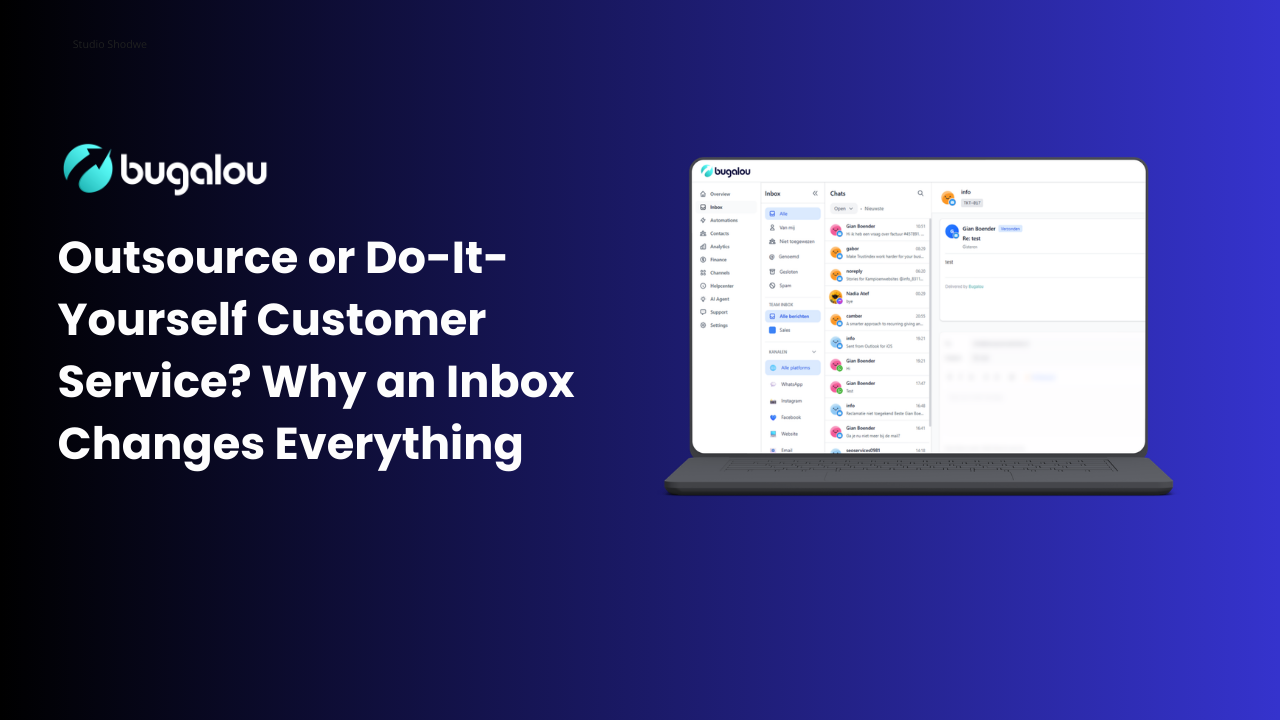
Bugalou is a modern customer service inbox that functions as a ticket system — but fully omnichannel. Instead of just email, Bugalou processes inquiries from WhatsApp, Instagram, Facebook Messenger, email, live chat, and more in one shared inbox.
Every incoming question automatically gets a ticket number, is assigned to the right team member, and remains fully traceable — including all previous interactions with that customer.
For e-commerce businesses, there are native integrations with WooCommerce and Lightspeed eCom: team members immediately see which order a question is about.
The AI assistant helps team members with response suggestions based on previous conversations and your knowledge base — so questions are answered faster and more consistently.
Try Bugalou free for 14 days →
Frequently Asked Questions
What's the difference between a ticket system and a CRM?
A CRM manages customer relationships and sales information. A ticket system is focused on handling individual customer questions and complaints. Many businesses use both: a CRM for sales and a ticket system for customer service.
How does a customer know their question was received?
In most ticket systems, customers automatically receive a confirmation when their request comes in. This confirmation includes the ticket number and an expected response time.
Can a ticket system handle WhatsApp?
Traditional ticket systems are email-focused and either don't support WhatsApp or only offer it via expensive add-ons. Modern omnichannel platforms like Bugalou are built specifically for WhatsApp — including the WhatsApp Business API, broadcasts, and an AI chatbot on WhatsApp.
How much does a ticket system cost?
Costs vary widely. Traditional systems often charge per agent per month. Bugalou uses a conversation model: from €49/month for 500 conversations, with additional users at €12/month.
Is a ticket system suitable for small businesses?
Absolutely. Even with 1–3 customer service team members, a ticket system provides major benefits: no missed questions, better follow-up, and more visibility.
Conclusion
A ticket system ensures that every customer question is tracked, assigned, and resolved — without anything slipping through the cracks. It's the foundation of professional customer service, regardless of company size.
In 2026, the question isn't just "which ticket system," but also: does it handle WhatsApp and other modern channels? Can it offer AI-powered response suggestions? Is it affordable for a growing team?
Related reads:
- How to Choose a Ticket System: Comparison, Criteria & Tips →
- Best Customer Service Software 2026: Comparison →
- WhatsApp Business API vs. WhatsApp Business App →
This article was last updated in July 2026.

Founder of Bugalou and e-commerce entrepreneur. As a business owner, I noticed that customer service tools were either unaffordable or so complex you needed an IT department. That frustration led to Bugalou.

![Ticketing System with Phone Support: Calls in Your Helpdesk [2026]](https://images.unsplash.com/photo-1553775282-20af80779df7?w=1280&h=720&fit=crop&auto=format)