The Customer Service Dilemma Every Entrepreneur Faces
You started your business to sell great products — not to spend half your day answering the same questions about shipping times and return policies.
Sound familiar?
At some point, every growing business hits the same wall: customer messages pile up across email, WhatsApp, Instagram, and live chat. You can't keep up. Response times slip. Customers get frustrated. Reviews suffer.
And the problem gets worse when emails start disappearing from your inbox — lost in spam filters, wrong folders, or sync issues.
So you're faced with a choice: outsource your customer service to an external call center, or keep doing it yourself — just faster, somehow.
But there's a third option that most entrepreneurs overlook. And it might be exactly what you need.
Option 1: Outsourcing Customer Service
Let's start with the obvious: hiring an external customer service provider.
The promise
Someone else handles your inbox, your calls, your WhatsApp messages. You focus on growing your business while a team of trained agents takes care of your customers.
The reality
- It's expensive. Most providers charge per agent per month, or per interaction. A single agent can easily cost €2,000–€4,000/month.
- Quality drops. External agents don't know your product like you do. They follow scripts, which often feels impersonal to your customers. For instance, if your business sells unique handcrafted items, a scripted response may not capture the passion behind your offerings.
- You lose control. You're one step removed from what your customers are actually saying. Feedback loops break. You miss patterns. For example, you might not catch a recurring issue that customers are facing, leading to more negative reviews.
- Setup takes weeks. Onboarding, training, documentation — it's a project in itself. You might find yourself stuck in a cycle of back-and-forth communication, delaying your ability to serve customers effectively.
For large enterprises processing thousands of tickets per day, outsourcing can make sense. But for small to medium businesses? It's often overkill — and your budget feels it.
Option 2: Doing Everything Yourself
The bootstrap approach. You and maybe one or two team members handle every message manually.
The promise
Nobody knows your customers better than you. You can give personal, on-brand responses. You're in full control.
The reality
- It doesn't scale. What works with 10 messages per day breaks at 50. Research shows that response times can increase by over 50% as message volume rises, leading to customer dissatisfaction.
- Messages slip through the cracks. When you're juggling email, WhatsApp, Instagram DMs, and live chat across separate apps, things get lost. A study found that 67% of customers have hung up the phone out of frustration after being put on hold — imagine what they think when they don't receive a response at all.
- No overview. Who answered what? Is this customer waiting for a reply? Has anyone followed up? Without a system, it's chaos. This lack of visibility can lead to duplicated efforts, where two team members respond to the same inquiry.
- Burnout. You didn't start your business to be a full-time customer service agent. Prolonged customer service duties can lead to stress and employee turnover, which can be detrimental to your business.
The DIY approach works in the early days. But it has an expiration date — and most entrepreneurs hit it sooner than they think.
Option 3: A Shared Inbox (The Middle Ground)
Here's what changed the game for us — and what more and more businesses are discovering:
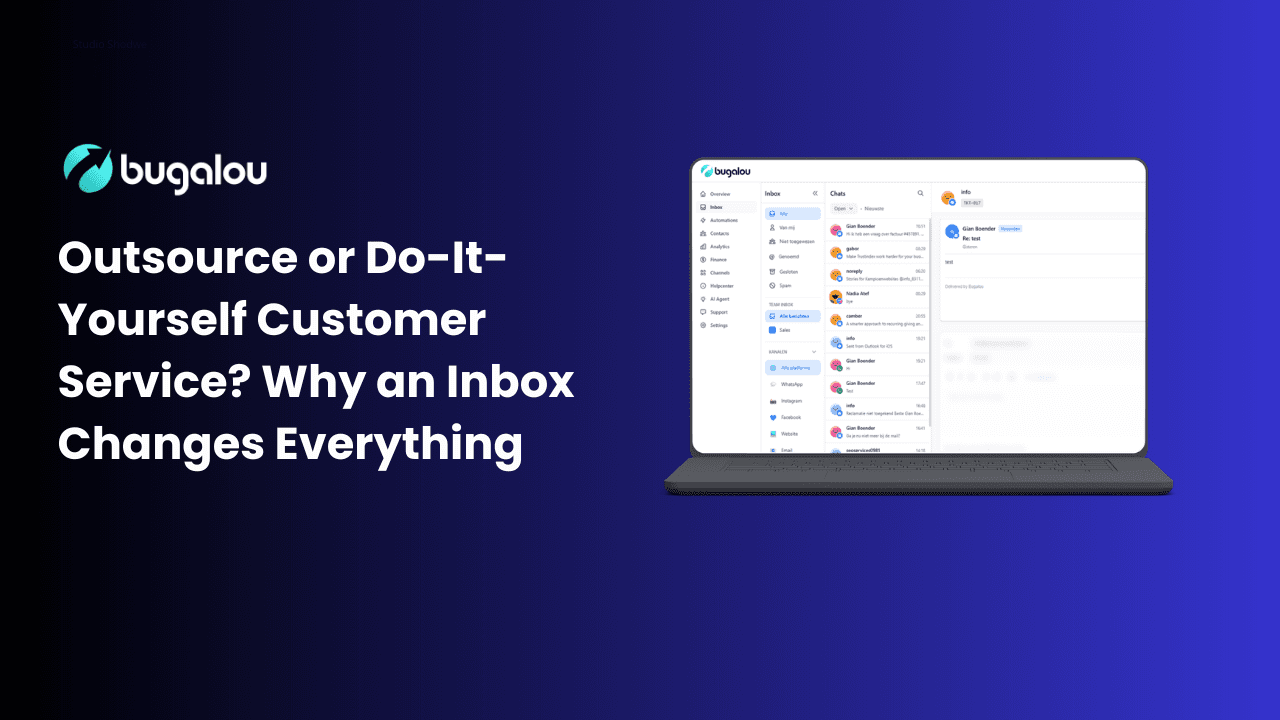
A shared inbox brings all your customer messages — from every channel — into one place. Your team sees the same conversations, can assign tickets, leave internal notes, and respond from a single dashboard.
It's not outsourcing. It's not doing everything yourself. It's doing it smarter.
What a shared inbox actually gives you
1. All channels, one screen
Email, WhatsApp, Instagram, Facebook Messenger, live chat — everything arrives in the same inbox. No more switching between apps. No more messages falling through the cracks. See all channels Bugalou supports.
2. Team collaboration without confusion
Multiple team members can work from the same inbox without stepping on each other's toes. You see who's handling what, who's online, and what's still unresolved. This transparency helps maintain accountability and boosts team morale. Learn more about managing your team and roles.
3. Automation where it matters
Set up automatic replies for common questions. Route messages to the right team member. Send order confirmations automatically. Let a chatbot handle the basics while your team focuses on complex issues. Discover how to build automations.
4. Real customer insights
See full conversation history per customer. Know their order status, previous tickets, and preferred channel — all at a glance. This insight enables personalized service that can lead to higher customer satisfaction. Explore contact fields and profiles in our help center.
5. Professional without the price tag
Your customers experience fast, organized, multi-channel support. They don't know (or care) whether you're a team of 3 or 30 — it just works. This professional appearance can increase trust and customer loyalty.
The Numbers Don't Lie
Let's put it in perspective:
| Outsourcing | DIY | Shared Inbox | |
|---|---|---|---|
| Monthly cost | €2,000–€4,000+ | Free (your time) | €29–€79/mo |
| Setup time | 2–4 weeks | None | 10 minutes |
| Channels | Depends on provider | Whatever you can juggle | All in one |
| Quality | Script-based | Personal but inconsistent | Personal + consistent |
| Scalability | High (at a cost) | Low | High |
| Control | Low | High | High |
For the vast majority of businesses with 1–20 team members, a shared inbox gives you 80% of the benefits of outsourcing at 5% of the cost — while keeping you in full control.
When Should You Consider a Shared Inbox?
If any of these sound familiar, it might be time:
- ✅ You're spending more than 1 hour/day on customer messages
- ✅ Messages from different channels sometimes get lost
- ✅ Your team asks "did someone already reply to this?"
- ✅ You want to offer WhatsApp or live chat but don't know where to start
- ✅ You've looked at customer service tools but found them too expensive
- ✅ You're getting more orders but your support quality is dropping
You don't need a call center. You don't need to hire a customer service team. You need a system that makes your existing team faster and more organized.
Getting Started Takes 10 Minutes
Here's what setting up a shared inbox with Bugalou looks like:
- Create your account — free 14-day trial, no credit card needed
- Connect your channels — email, WhatsApp, Instagram, live chat
- Invite your team — they get their own login and notification preferences
- Set up basic automation — auto-replies, routing rules, templates
- Start responding — all your messages, one inbox
That's it. No onboarding calls. No implementation projects. No dedicated account manager needed.
The Bottom Line
Outsourcing customer service isn't the only professional option. And drowning in messages across 5 different apps isn't sustainable.
A shared inbox gives you the structure, speed, and professionalism your customers expect — without the enterprise price tag.
Your customers don't care how big your team is. They care how fast you reply and whether you actually help them. A shared inbox makes that possible — even if you're a team of one.
Frequently Asked Questions
What is a shared inbox in customer service?
A shared inbox is a single platform that consolidates communications from various channels like email, live chat, and social media into one location, allowing multiple team members to manage customer inquiries collaboratively.
Is outsourcing customer service effective?
Outsourcing can be effective for large companies with high volumes of inquiries, but it may lead to higher costs, lower quality of service, and a loss of control over customer interactions for small to medium businesses.
What are the advantages of using a shared inbox?
A shared inbox allows for seamless collaboration among team members, reduces the risk of messages slipping through the cracks, offers automation capabilities, and provides comprehensive insights into customer interactions.
Can I use a shared inbox for social media customer service?
Yes, a shared inbox can integrate various channels including social media platforms, enabling your team to manage all customer interactions from one location.
How can I get started with a shared inbox?
Getting started is easy! Simply create an account, connect your communication channels, invite your team, set up automation, and begin responding to messages—all within minutes.
Questions? Reach out via live chat or email us at support@bugalou.com — we reply within minutes, not days. (Yes, we use our own inbox.)
Related topics

Founder of Bugalou and e-commerce entrepreneur. As a business owner, I noticed that customer service tools were either unaffordable or so complex you needed an IT department. That frustration led to Bugalou.
![Live Chat for Your Webshop: Help Customers Instantly [2026]](/live-chat-for-webshop.png)