Returns and cancelling with your AI agent
Your AI agent takes return and cancellation requests, day and night: the customer picks the products, a reason and a photo in the website chat. You approve in your inbox, refund from Bugalou and see Returnless returns next to the conversation.
Steps
- 1In your AI agent, fill in your return policy and deadline under Shipping & Returns
- 2Under Orders → Returns, paste the link to your return portal, or turn on Return requests via the AI with your window and reasons
- 3Turn on Cancel an order and choose who carries it out: a staff member approves, or the AI does it itself
- 4In the website chat the customer ticks the products, picks a reason per product, adds a photo and confirms
- 5The request arrives as a card in your inbox: approve or reject it, and refund from Bugalou (Shopify and WooCommerce) or in Returnless
- 6With Returnless connected you see all of the customer's returns next to the conversation, and notes arrive in your inbox
Transcript
A customer wants to cancel or return something. Your AI agent handles the request, day and night, and you stay in control. Here's how cancelling and returns work in Bugalou. Start with your AI agent. Under Shipping & Returns, fill in your return policy and your return deadline. It sticks to them in every answer. Do you have a return portal, like Returnless? Paste the link under Orders, Returns. The AI sends your customer the link and explains the steps. It never promises an amount or a date. Or let the AI take the request itself. Turn on Return requests via the AI, and choose your return window and the reasons your customer can pick from. Add a quick reply to your website chat: I'd like to return something. The AI first looks up the order. In your website chat, on Instagram and in Messenger, the customer shows it's their order with their email address or postcode. Then it checks: has the product shipped, and is it still within your window? Not shipped yet? Then it offers to cancel the order. Ordered via bol.com? Then it refers to bol.com. Hasn't the order shipped yet? Then the AI can cancel it. Under Orders, turn on Cancel an order, and choose who carries it out: a staff member approves, or the AI does it itself, right away, even at night. In the website chat, your customer sees their products with checkboxes. The whole order, or just a few products. Cancelling part of an order always goes to your team. On other channels, the AI simply asks in the conversation. The AI never refunds money by itself. Turn on Also refund when cancelling, and a staff member refunds with one click, for Shopify and WooCommerce. Ordered via bol.com? Then the customer cancels via bol.com. In the website chat, your customer picks the products, the quantity and a reason for each product. On WhatsApp, Instagram and email, the AI simply asks the same in the conversation. Your customer adds a photo and confirms the request. Until you've approved it, they can still withdraw it. The request arrives as a card in your inbox, with the products, reasons, photos and the estimated amount. You get a notification, and the conversation goes to your team. Approve the request or reject it. Then handle the return in Returnless, or in your own return process. No return portal, and want to refund from Bugalou? Then under Refunding after an approved return, choose In Bugalou. Is the parcel in? Tick the products, and the shipping costs if you like, and click Received, refund. This works with Shopify and WooCommerce, and Bugalou never refunds twice. Do you use Returnless? Install the Bugalou app from the Returnless App Store. Your returns come in right away, and with one click you also fetch your older returns. A customer asks where their return is? The AI looks it up by return or order number, and gives the status, the track and trace and the link to the status page. On the right of your inbox you see all of the customer's returns: the status, the order number, the amount and the live DHL status. With one click you open the return in Returnless. A customer adds a note in Returnless? It arrives as a conversation in your inbox, and your reply goes back as a note. Or let your AI agent reply right away. With an automation, your customer automatically gets a message when their return has arrived, or when it's been refunded. By WhatsApp, email or SMS, with a ready-made recipe. Do you use Picqer or bol.com? Their returns can start an automation too. Prefer a form? Use the Return or complaint template, with photo upload. What does it bring you? Fewer emails back and forth, because the AI asks for everything at once. Your customer gets an answer right away, even in the evening and at the weekend. No returns outside your window or without a photo. And you decide with one click, with the order and the return next to the conversation. The AI agent and the Returnless integration are included in Pro and Enterprise. Try Bugalou for free.
More videos
 1:58
Bugalou in 2 minutes: AI customer service & one shared inbox
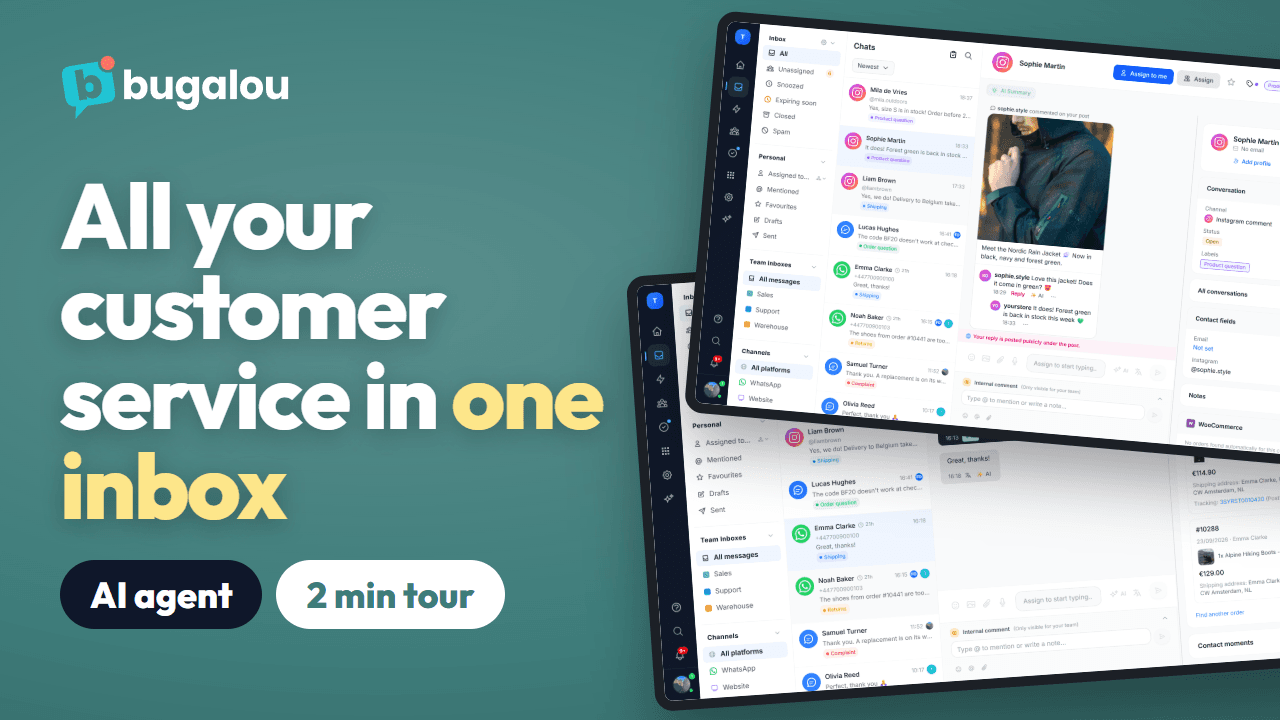
The full product tour: WhatsApp, Instagram, email and live chat in one shared inbox, an AI agent that answers day and night, orders next to the chat, team chat, tasks, automations and reports.
Watch →
 1:42
How to set up the website chat in Bugalou
A chat on your website that fits your store, in every language. Install it with one code or the WordPress, WooCommerce or Shopify plugin, choose your style and what visitors see first, and let your AI agent answer, with your team taking over when needed.
Watch →
 0:45
How to add live chat to WordPress in 2 minutes
Install the free Bugalou Live Chat plugin, paste your widget key and the chat is live on your WordPress site. Every chat lands in your Bugalou inbox, next to WhatsApp, email and Instagram.
Watch →
 0:59
How to connect WooCommerce to Bugalou
Connect your WooCommerce store in two minutes with the free Bugalou for WooCommerce plugin. Your team sees every order next to the chat, and on paid plans automations send your transactional emails and WhatsApp messages.
Watch →
 0:51
How to connect Shopify to Bugalou
Install Bugalou from the Shopify App Store, connect your store and switch on the chat in your theme. Your team sees every order next to the chat, and on paid plans automations send your transactional emails and WhatsApp messages.
Watch →
 1:28
How to set up your AI agent in Bugalou
Set up an AI agent that helps your customers day and night, in your tone and with your knowledge: your website, product feed and live order status, on the website chat, WhatsApp, email, Instagram and Messenger.
Watch →
 1:25
How to connect WhatsApp Business to Bugalou
Connect your WhatsApp Business number to your shared inbox, also the number from the WhatsApp Business app. Set a team or colleague per number, create templates, restart conversations after the 24-hour window, send automatic order updates and let your AI agent answer.
Watch →
 1:02
How to set up your help center in Bugalou
Put your frequently asked questions online under your own brand and domain. Customers search your articles themselves or send a question that lands in your inbox, and your AI agent answers with what's in your help center.
Watch →
 1:51
The Bugalou inbox in 2 minutes: WhatsApp, Instagram, email and chat in one place
Five channels, one inbox, and your team always knows who's picking up what: filters and folders, labels, assigning, fast replies with snippets and AI, translation, the customer's order next to the chat, internal notes, tasks and the WhatsApp 24-hour window.
Watch →
 1:45
Automatic WhatsApp messages after every order
An automatic WhatsApp after an order: when it comes in, or when it ships with the tracking link. With WooCommerce or Shopify on Starter, or through a webhook on Pro, sent as a template approved by Meta.
Watch →
 1:53
How to send a broadcast via WhatsApp or SMS
One message to a group of customers via WhatsApp or SMS, now or at a planned time. Only to opted-in contacts, with an approved template, variables and an image, and afterwards the status per recipient.
Watch →
 1:02
Share out chats across your team automatically (round robin)
Assign new WhatsApp, Instagram, email and chat conversations automatically: to the available colleague with the fewest open chats, in turn within a team with routing rules (by keyword, channel or time), or with AI on Enterprise. Away? Then you get no new chats.
Watch →