Gian Boender
Want customers to message you on WhatsApp without any effort? A WhatsApp link or QR code is the quickest way. The customer clicks or scans, WhatsApp opens a chat with your number, and if you want, a message is already waiting. No saving your number, no typing it over.
In this article you'll learn how these links work, how to build one yourself, how to add a message and where to put it.
Quick answer: how to create a WhatsApp link
A WhatsApp link looks like this:
https://wa.me/447912345678
- After wa.me/ you put your number with the country code, without +, without the leading 0 and without spaces or dashes. The UK mobile number 07912 345678 becomes 447912345678.
- To prefill a message, add ?text= followed by your text, with spaces and special characters encoded:
https://wa.me/447912345678?text=Hi%2C%20I%20have%20a%20question - A QR code is the same link, as a code to scan.
Don't want to encode it yourself? The free WhatsApp link generator takes your number and message and gives you the link to copy. The WhatsApp QR code generator turns it into a QR code you download as an image.
What is a WhatsApp link (wa.me)?
wa.me is WhatsApp's official short domain for "click to chat". When someone opens the link on their phone, WhatsApp opens a conversation with the number in the link straight away. On a computer it opens WhatsApp Desktop or WhatsApp Web.
Two things worth knowing:
- The customer sends it. A message in the link only appears in the text field. The customer can edit it and taps send. You never send anything on their behalf.
- The number must be on WhatsApp. If your number isn't on WhatsApp, or the format is wrong, the customer gets an error saying the number is invalid.
You'll also see links like https://api.whatsapp.com/send?phone=447912345678. They work the same way; wa.me is simply shorter and cleaner.
Step by step: creating a WhatsApp link
1. Put your number in the right format
Start with the country code and drop the leading 0:
| Country | How you write the number | In the link |
|---|---|---|
| United Kingdom | 07912 345678 | 447912345678 |
| United States | (650) 123-4567 | 16501234567 |
| Netherlands | 06 12 34 56 78 | 31612345678 |
| Germany | 0151 2345678 | 491512345678 |
A landline used for WhatsApp Business works exactly the same way: add the country code, drop the 0.
2. Add a message (optional)
A prefilled message lowers the barrier even further. The customer doesn't have to think about what to type. For example:
- Hi! I have a question about my order.
- Hello, I'd like to book an appointment.
- Hi, I saw your ad and want to know more about the offer.
Text in a link has to be encoded: a space becomes %20, a comma %2C, a question mark %3F, an ampersand %26 and a new line %0A. Emoji work too, but they're encoded as well. Get it wrong and your message gets cut off or garbled. That's why a generator is handy: it encodes the text for you.
3. Test the link
Open the link on your own phone and on a computer. Check that the chat opens with the right number and the message looks right. Also test from a phone that isn't logged in with that number, so you see what the customer sees.
Creating a WhatsApp QR code
For anything printed or on a screen, a QR code beats a link. Nobody types a link off a flyer, but scanning takes seconds.
A WhatsApp QR code is just your wa.me link as a code. You can make one in two ways:
- With a QR generator. In the free WhatsApp QR code generator you enter your number and, if you like, a message. You get a QR code to download as a PNG image. Because the code points straight to your wa.me link, it keeps working as long as your number is on WhatsApp.
- In the WhatsApp Business app. The app has its own short link with a QR code, in the form wa.me/message/... You'll find it in your settings under the business tools (the exact menu name varies by version). You can set a default message there too.
Be careful with the app's short link: it's tied to your account and can be reset. If you do, the old link stops working, including on anything you've already printed. For print, a link with your number (wa.me/447912345678) is the safest choice.
Tips for a QR code that scans well:
- Don't print it too small. On a flyer or packaging, roughly 2 to 3 cm wide is the minimum; on a poster or shop window it can be much bigger.
- Use enough contrast: a dark code on a light background.
- Leave white space around the code.
- Add a short line such as Scan to ask us on WhatsApp. A QR code without explanation gets scanned less.
Where to place your WhatsApp link or QR code
The more often customers come across your link at the moment they have a question, the more conversations you get.
| Place | Link or QR | Tip |
|---|---|---|
| Website | Link | A "Chat on WhatsApp" button on your contact page, product pages and in the footer. |
| Instagram or TikTok bio | Link | Put the link in your bio or as a profile button, with a message like Hi, I found you on Instagram. |
| Email signature | Link | Every email you send becomes an extra channel. Make one with the email signature generator. |
| Order confirmation and shipping email | Link | Customers with a question about their order can reach you directly. |
| Packaging and packing slip | QR | For product questions, returns or asking for a review. |
| Receipt or till | QR | Handy for shops and restaurants. |
| Shop window, counter, poster | QR | For questions outside opening hours. |
| Business cards and flyers | QR | On print, scanning is easier than typing. |
| Ads | Link | Or use Click-to-WhatsApp ads: the ad itself opens a chat. |
There's a link like this for Instagram too. The Instagram DM link generator makes a link that opens a direct message to your account.
Seeing where your chats come from
A smart trick: use a different message for each place. For example:
- website: Hi, I have a question (via website)
- packaging: Hi, I have a question about my order (via parcel)
- flyer: Hi, I'd like the flyer offer
When a customer starts with that message, you see right away where they came from. After a few weeks you know which place brings in the most conversations. It works best when the message is short and sounds natural, so customers don't delete it.
With a platform like Bugalou this can happen automatically: an automation on a keyword gives a conversation that starts with "via parcel" a label straight away, so you can look up and filter the source later.
Common mistakes
- Keeping the 0 or the +. wa.me/07912345678 or wa.me/+447912345678 doesn't work. Digits only, with the country code.
- Not encoding the text. Spaces, commas and ampersands break the link. Use a generator or encode the text properly.
- Using a personal number. Put your own number on your packaging and customer questions land on your personal phone, weekends included. Use a business number instead.
- Resetting the app's short link after it's been printed. Old flyers stop working.
- Nobody answering. A link brings in conversations. If they sit for hours, it backfires. At the very least, set up an auto reply for outside your opening hours.
Answering all those chats as a team
If your link or QR code works well, more messages come in than one phone can handle. In the WhatsApp Business app you share one number across a limited number of devices, with no overview of who is answering what.
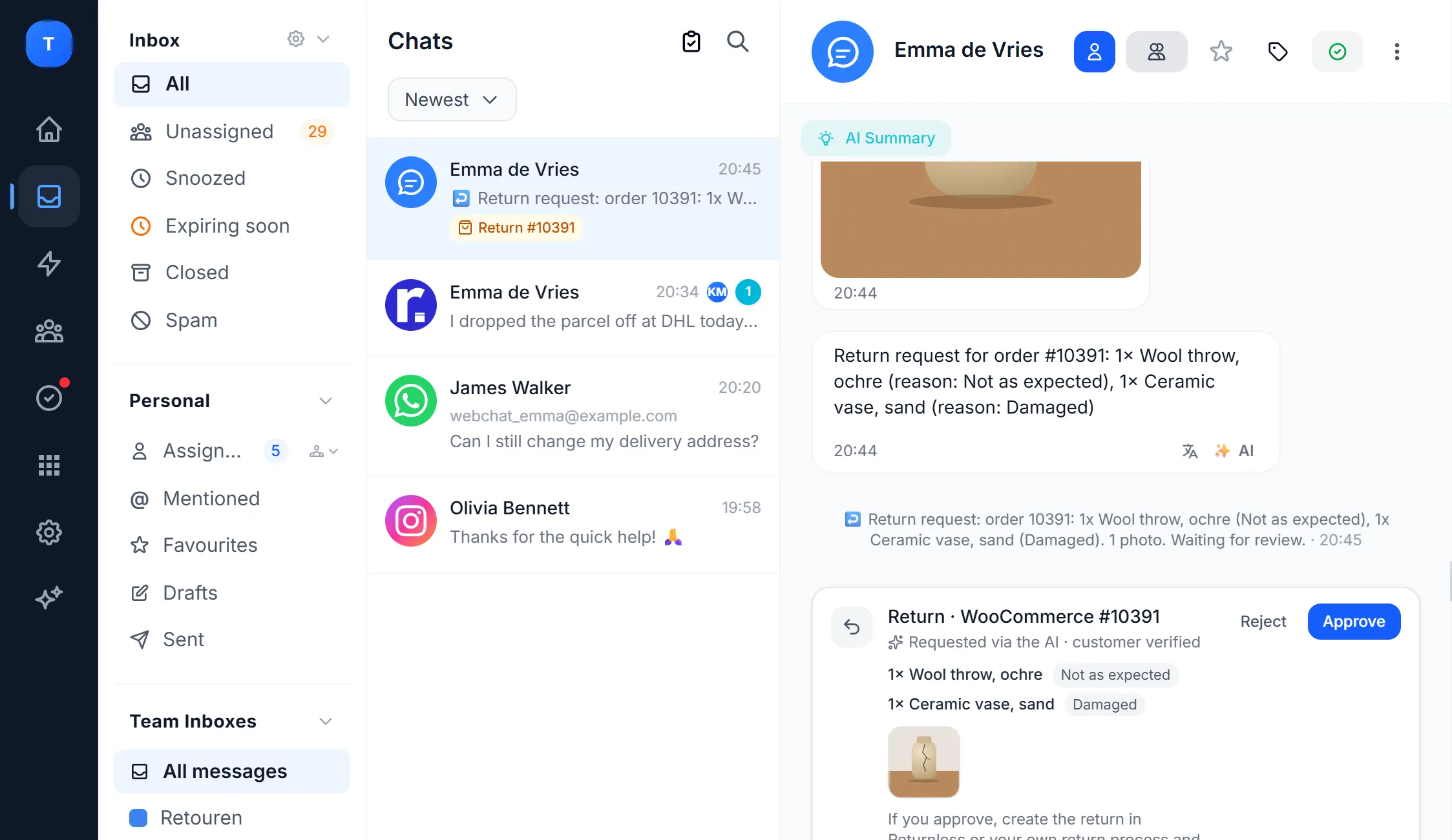
With Bugalou all your WhatsApp conversations land in one inbox your whole team shares, together with email, Instagram, Facebook and your website chat. You assign conversations, see the customer's order right next to the chat and let an AI agent answer the standard questions. You can keep your number from the WhatsApp Business app. Read more in WhatsApp Business with multiple users.
Frequently asked questions
Is a WhatsApp link free?
Yes. Creating a wa.me link and a QR code costs nothing, and Bugalou's generators are free to use. The customer starts the chat. In the WhatsApp Business app your replies are free; with the WhatsApp Business API, Meta's per-message rates apply.
Does a WhatsApp link work on a computer?
Yes. On a computer the link opens WhatsApp Desktop or WhatsApp Web. If someone has neither, they first see a WhatsApp page with the option to open or download the app.
Does a WhatsApp QR code expire?
A QR code that points to wa.me/yournumber doesn't expire. It works as long as your number is on WhatsApp. A QR code for the short link from the WhatsApp Business app stops working if you reset that link.
Can I see how many people click my link?
WhatsApp doesn't give click statistics for wa.me links. You can use a different message per place, so you see for every chat where it came from.
Can I make a link to a WhatsApp group?
Yes, but that's something else: you create a group invite link inside the group itself via Invite via link. A wa.me link always opens a one-to-one chat with a number.
Create your link or QR code with the free WhatsApp link generator or QR code generator. Want to answer all those conversations with your team from one inbox? Try Bugalou free for 14 days.