Resi e annullamenti con il tuo agente IA
Il tuo agente IA raccoglie le richieste di reso e di annullamento, giorno e notte: nella chat del sito il cliente sceglie i prodotti, un motivo e una foto. Tu approvi nella tua inbox, rimborsi da Bugalou e vedi i resi di Returnless accanto alla conversazione.
In inglese
Passaggi
- 1Nel tuo agente IA, inserisci la tua politica di reso e la scadenza in Shipping & Returns
- 2In Orders → Returns, incolla il link al tuo portale resi, oppure attiva Return requests via the AI con il tuo periodo e i tuoi motivi
- 3Attiva Cancel an order e scegli chi lo esegue: un membro del team approva, oppure lo fa l’IA da sola
- 4Nella chat del sito il cliente spunta i prodotti, sceglie un motivo per ogni prodotto, aggiunge una foto e conferma
- 5La richiesta arriva come scheda nella tua inbox: approvala o rifiutala, e rimborsa da Bugalou (Shopify e WooCommerce) o in Returnless
- 6Con Returnless collegato vedi tutti i resi del cliente accanto alla conversazione, e le note arrivano nella tua inbox
Trascrizione
A customer wants to cancel or return something. Your AI agent handles the request, day and night, and you stay in control. Here's how cancelling and returns work in Bugalou. Start with your AI agent. Under Shipping & Returns, fill in your return policy and your return deadline. It sticks to them in every answer. Do you have a return portal, like Returnless? Paste the link under Orders, Returns. The AI sends your customer the link and explains the steps. It never promises an amount or a date. Or let the AI take the request itself. Turn on Return requests via the AI, and choose your return window and the reasons your customer can pick from. Add a quick reply to your website chat: I'd like to return something. The AI first looks up the order. In your website chat, on Instagram and in Messenger, the customer shows it's their order with their email address or postcode. Then it checks: has the product shipped, and is it still within your window? Not shipped yet? Then it offers to cancel the order. Ordered via bol.com? Then it refers to bol.com. Hasn't the order shipped yet? Then the AI can cancel it. Under Orders, turn on Cancel an order, and choose who carries it out: a staff member approves, or the AI does it itself, right away, even at night. In the website chat, your customer sees their products with checkboxes. The whole order, or just a few products. Cancelling part of an order always goes to your team. On other channels, the AI simply asks in the conversation. The AI never refunds money by itself. Turn on Also refund when cancelling, and a staff member refunds with one click, for Shopify and WooCommerce. Ordered via bol.com? Then the customer cancels via bol.com. In the website chat, your customer picks the products, the quantity and a reason for each product. On WhatsApp, Instagram and email, the AI simply asks the same in the conversation. Your customer adds a photo and confirms the request. Until you've approved it, they can still withdraw it. The request arrives as a card in your inbox, with the products, reasons, photos and the estimated amount. You get a notification, and the conversation goes to your team. Approve the request or reject it. Then handle the return in Returnless, or in your own return process. No return portal, and want to refund from Bugalou? Then under Refunding after an approved return, choose In Bugalou. Is the parcel in? Tick the products, and the shipping costs if you like, and click Received, refund. This works with Shopify and WooCommerce, and Bugalou never refunds twice. Do you use Returnless? Install the Bugalou app from the Returnless App Store. Your returns come in right away, and with one click you also fetch your older returns. A customer asks where their return is? The AI looks it up by return or order number, and gives the status, the track and trace and the link to the status page. On the right of your inbox you see all of the customer's returns: the status, the order number, the amount and the live DHL status. With one click you open the return in Returnless. A customer adds a note in Returnless? It arrives as a conversation in your inbox, and your reply goes back as a note. Or let your AI agent reply right away. With an automation, your customer automatically gets a message when their return has arrived, or when it's been refunded. By WhatsApp, email or SMS, with a ready-made recipe. Do you use Picqer or bol.com? Their returns can start an automation too. Prefer a form? Use the Return or complaint template, with photo upload. What does it bring you? Fewer emails back and forth, because the AI asks for everything at once. Your customer gets an answer right away, even in the evening and at the weekend. No returns outside your window or without a photo. And you decide with one click, with the order and the return next to the conversation. The AI agent and the Returnless integration are included in Pro and Enterprise. Try Bugalou for free.
Altri video
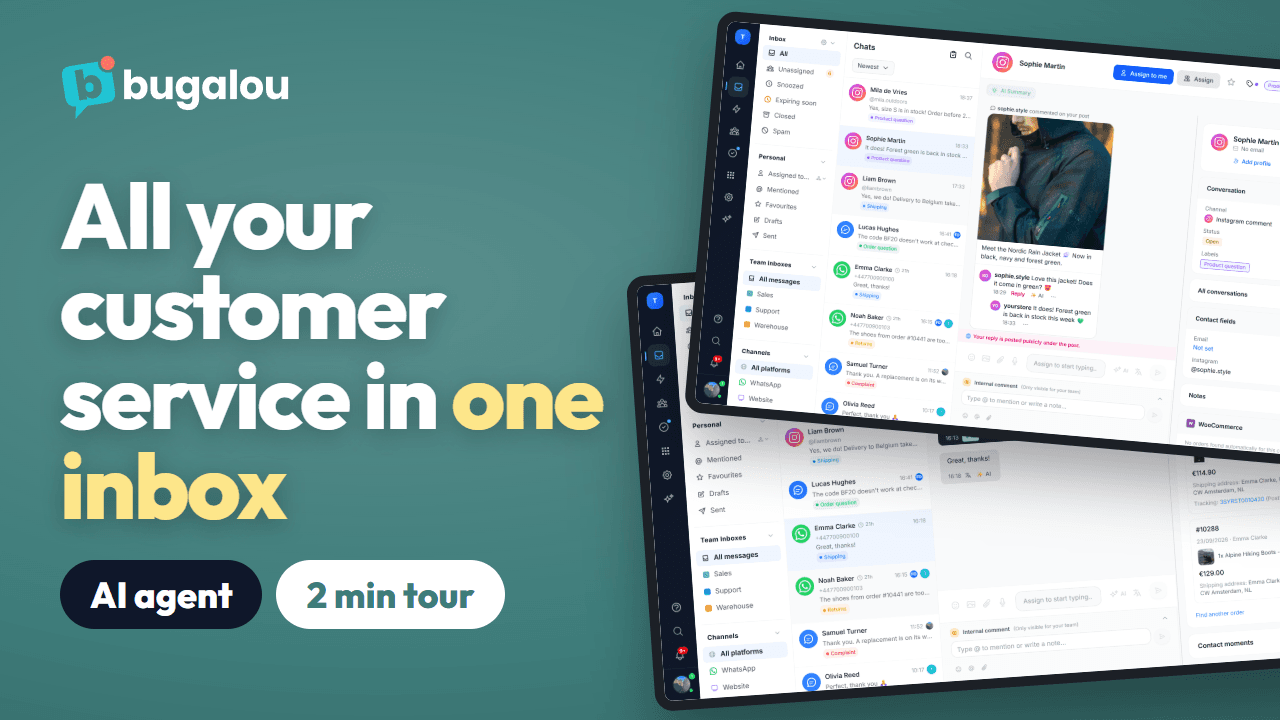 1:58
Bugalou in 2 minuti: assistenza clienti con IA e un’unica inbox condivisa
Il tour completo del prodotto: WhatsApp, Instagram, email e live chat in un’unica inbox condivisa, un agente IA che risponde giorno e notte, gli ordini accanto alla chat, la chat del team, le attività, le automazioni e i report.
Guarda →(In inglese)
 1:42
Come configurare la chat del sito in Bugalou
Una chat sul tuo sito adatta al tuo negozio, in ogni lingua. Installala con un solo codice o con il plugin WordPress, WooCommerce o Shopify, scegli il tuo stile e cosa vedono per primo i visitatori, e lascia rispondere il tuo agente IA, con il tuo team che subentra quando serve.
Guarda →(In inglese)
 0:45
Aggiungere la live chat a WordPress in 2 minuti
Installa il plugin gratuito Bugalou Live Chat, incolla la chiave del widget e la chat è attiva sul tuo sito WordPress. Ogni chat arriva nella tua inbox di Bugalou, accanto a WhatsApp, email e Instagram.
Guarda →(In inglese)
 0:59
Come collegare WooCommerce a Bugalou
Collega il tuo negozio WooCommerce in due minuti con il plugin gratuito Bugalou for WooCommerce. Il tuo team vede ogni ordine accanto alla chat e, con i piani a pagamento, le automazioni inviano le tue email transazionali e i messaggi WhatsApp.
Guarda →(In inglese)
 0:51
Come collegare Shopify a Bugalou
Installa Bugalou dallo Shopify App Store, collega il tuo negozio e attiva la chat nel tuo tema. Il tuo team vede ogni ordine accanto alla chat e, con i piani a pagamento, le automazioni inviano le tue email transazionali e i messaggi WhatsApp.
Guarda →(In inglese)
 1:28
Come configurare il tuo agente IA in Bugalou
Configura un agente IA che aiuta i tuoi clienti giorno e notte, con il tuo tono e le tue conoscenze: il tuo sito, il feed prodotti e lo stato degli ordini in tempo reale, nella chat del sito, su WhatsApp, email, Instagram e Messenger.
Guarda →(In inglese)
 1:25
Come collegare WhatsApp Business a Bugalou
Collega il tuo numero WhatsApp Business alla tua inbox condivisa, anche il numero dell’app WhatsApp Business. Imposta un team o un collega per numero, crea modelli, riapri le conversazioni dopo la finestra di 24 ore, invia aggiornamenti automatici sugli ordini e lascia rispondere il tuo agente IA.
Guarda →(In inglese)
 1:02
Come configurare il tuo centro assistenza
Metti online le tue domande frequenti con il tuo marchio e il tuo dominio. I clienti cercano da soli nei tuoi articoli o inviano una domanda che arriva nella tua inbox, e il tuo agente IA risponde con i contenuti del tuo centro assistenza.
Guarda →(In inglese)
 1:51
La inbox di Bugalou in 2 minuti: WhatsApp, Instagram, email e chat in un unico posto
Cinque canali, un’unica inbox, e il tuo team sa sempre chi si occupa di cosa: filtri e cartelle, etichette, assegnazione, risposte rapide con snippet e IA, traduzione, l’ordine del cliente accanto alla chat, note interne, attività e la finestra di 24 ore di WhatsApp.
Guarda →(In inglese)
 1:45
Messaggi WhatsApp automatici dopo ogni ordine
Un WhatsApp automatico dopo un ordine: quando arriva, o quando viene spedito con il link di tracciamento. Con WooCommerce o Shopify da Starter, o tramite un webhook con Pro, inviato come modello approvato da Meta.
Guarda →(In inglese)
 1:53
Come inviare un broadcast via WhatsApp o SMS
Un messaggio a un gruppo di clienti via WhatsApp o SMS, subito o in un momento programmato. Solo ai contatti che hanno dato il consenso, con un modello approvato, variabili e un’immagine, e poi lo stato per ogni destinatario.
Guarda →(In inglese)
 1:02
Distribuisci le chat nel team in automatico (round robin)
Assegna in automatico le nuove conversazioni WhatsApp, Instagram, email e chat: al collega disponibile con meno chat aperte, a turno all’interno di un team con le regole di routing (per parola chiave, canale o orario), oppure con l’IA in Enterprise. Sei assente? Allora non ricevi nuove chat.
Guarda →(In inglese)